
by via Awwwards - Sites of the day
honest and friendly digital agency specialising in ecommerce, we won’t bombard you with tech talk and want you to understand why we do things.
A place to buy all your vintage skincare and bath potions. A great way to get beautiful
A greate resource for developers of all backgrounds to learn, create, and solve on the web. It’s meant to not only educate developers, but help them apply what they’ve learned to any site they work on, be it personal or business. (web.dev)
Harry Roberts does a rather large brain dump of all things relating to CSS and performance. A great read for all abilities. (csswizardry.com)
Rachel Andrews shares a range of reasons why people use a third-party framework and the positive and negative things about doing so. (smashingmagazine.com)
Mike Riethmuller explains some interesting differences between how currentColor and custom properties work. Both are examples of dynamic properties in CSS but how they are resolved differs in some very important ways. (madebymike.com.au)
A look into the growing trend among large technology companies creating their own typefaces. (arun.is)
A classic post from Thomas Yip that looks into detail about what the Cascade means within CSS. (css-tricks.com)
Oliver Williams shares some thoughts around why the browser is still the best tool for designing. (logrocket.com)
In this episode Wes and Scott discuss React Hooks – what they are, why you might want to use them, their differences with regular classes, and more. (syntax.fm)
Join our team in building next-gen apps that help marketers deliver the right message to the right person at the right time. Build modern, component-based UIs (React, Redux, CSS Modules, Styled Components, Storybook) and help us leverage ML for intelligent features. (sailthru.com)
You will be the sole designer on the Wirecutter team, which means an immense responsibility and opportunity to shape the future of the website. You’ll work together with a tightly knit team of product thinkers, editors, and engineers to shepherd and improve the core of what millions of Wirecutter readers know and love us for. (thewirecutter.com)
The post Web Design Weekly #339 appeared first on Web Design Weekly.

In this tutorial, we’ll explore WordPress theme file structure in depth, and learn how to create a basic WordPress theme from scratch.
In the first part of this series, we introduced WordPress theming, and the fundamental terminology relating to WordPress theme development. We covered templates, partials, template hierarchy, WordPress post types, the style.css stylesheet, WordPress filter and action hooks, WordPress loop, conditional tags, and we briefly took a look at a typical simple WordPress theme file structure.
The first thing we’ll do is install a plugin that will enable us to batch create WordPress posts and other content. This way, we’ll be able to quickly populate our development website without losing too much time. One plugin that serves this purpose is FakerPress by Gustavo Bordoni, available in the WordPress plugin repository.
[video width="1280" height="720" mp4="https://dab1nmslvvntp.cloudfront.net/wp-content/uploads/2018/11/1542590261faker.mp4"][/video]
We quickly install and activate the plugin via WP-CLI.
Now, when we log in to the admin dashboard, we’ll see that FakerPress is installed, and we can create all sorts of content in batch, including any custom post types we have.
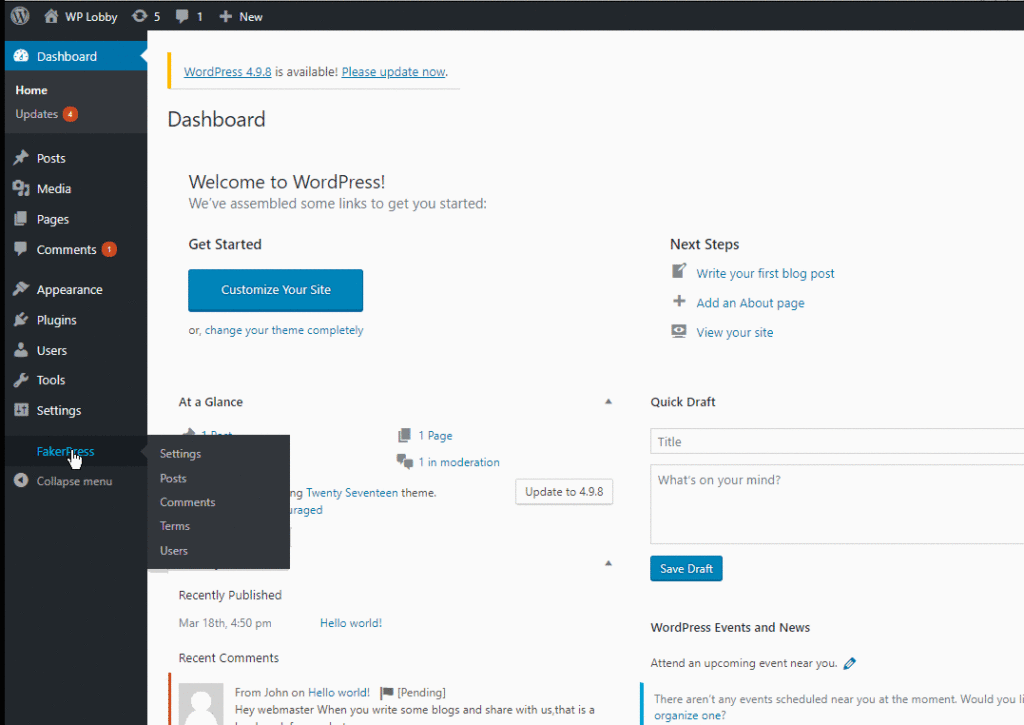
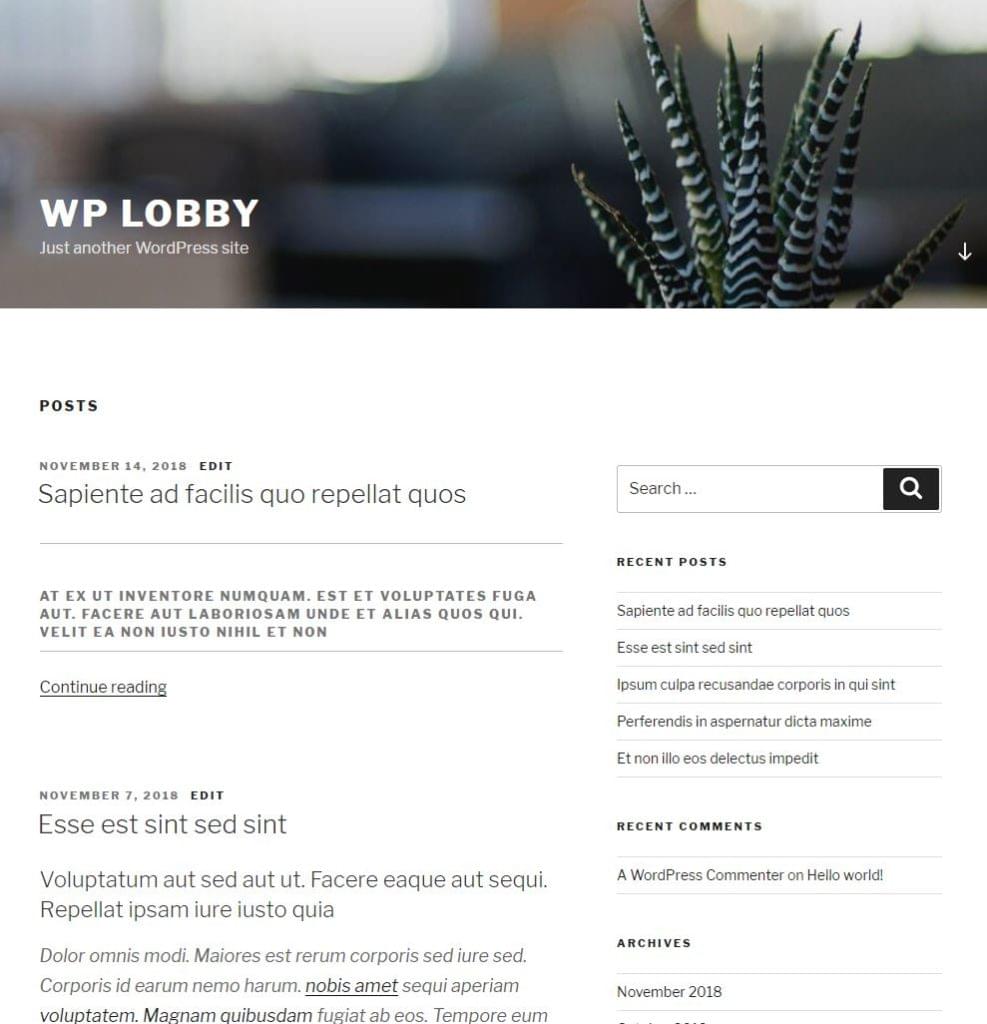
Now, using this plugin, we’ll create some fake content. This is the result, using the default TwentySeventeen WordPress theme:
Now, we quickly dive in and set up a bare minimum theme that consists of the catch-all index.php file, and style.css, which we need for the WordPress templating system to recognize the theme:
/*
Theme Name: Botega Simple Theme
Theme URI: https://botega.co.uk
Author: Tonino Jankov
Author URI: https://botega.co.uk
Description: Basic WordPress theme for Sitepoint theme building tutorial
Text Domain: bsimple
Version: 1.0.0
License: GNU General Public License v2 or later
*/
This is the style.css, which consists only of meta CSS comments for now. These comments are required.
This is the index.php file. It will catch all the requests for now:
<?php
/**
 *
 * @package Botega_Scratch_Theme
 */
?>

<!DOCTYPE html>
<html <?php language_attributes(); ?>>
<head>
    <title><?php bloginfo('name'); ?></title>
    <link rel="stylesheet" href="<?php bloginfo('stylesheet_url'); ?>">
    <?php wp_head(); ?>
</head>
<body>

      <header>
         <h1><?php bloginfo('name'); ?></h1>
         <h3><?php bloginfo('description'); ?></h3>
      </header>

        <?php
        if ( have_posts() ) :
            /* Start the Loop */
            while ( have_posts() ) :
                the_post();
            endwhile;
        endif;
        ?>

</body>
We now upload and activate the minimal theme we have. I activate it using WP-CLI:
[video width="1280" height="720" mp4="https://dab1nmslvvntp.cloudfront.net/wp-content/uploads/2018/11/1542592865activating.mp4"][/video]
The theme is now visible to WordPress, and is active:
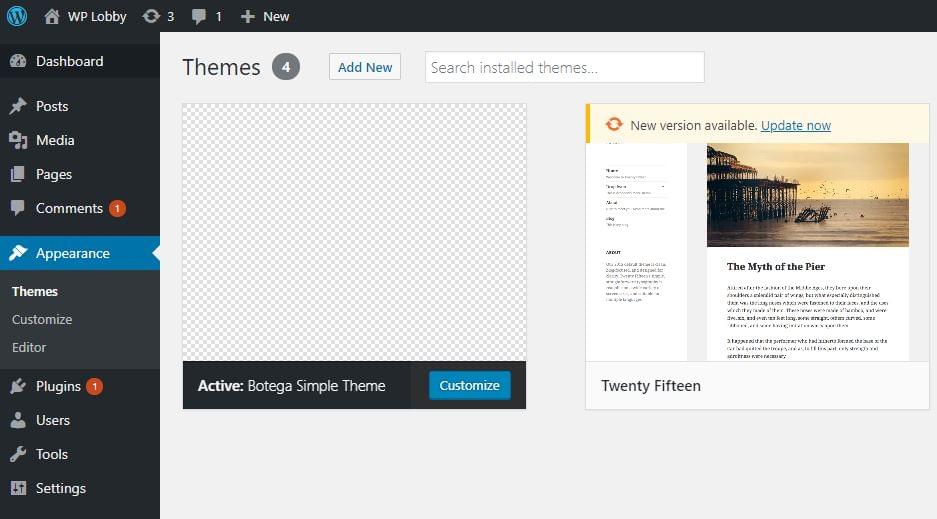
We haven’t provided a screenshot, so the display in the backend is basic.
If we visit our website now in the browser, this is what we’ll see:

Obviously, we have work to do.
If we view the source code of the home page, we’ll see that the wp_head() function has outputted a lot of default WordPress tags in the <head>, like CSS, JavaScript, link and meta tags.
The bloginfo() function is used to output website information.
Our home page is empty, because we aren’t outputting anything inside the Loop — a pattern that WordPress uses in all of its templates to output content.
The Codex page about the Loop goes deep into details about it. A typical structure for the loop — which is based on PHP while control structure — looks like this:
<?php
if ( have_posts() ) {
    while ( have_posts() ) {
        the_post();
        //
        // Post Content here
        //
    } // end while
} // end if
?>
We need to fill that while loop with content — or with content-outputting WordPress tags.
If we change our loop, by adding the_title(), the_excerpt(), and we add HTML markup and the_ID(), to look like this:
    <?php
    if ( have_posts() ) : while ( have_posts() ): the_post(); ?>

    <div id="post-<?php the_ID(); ?>">
        <h2><?php the_title(); ?></h2>
        <div class="post-excerpt"><?php the_excerpt(); ?></div>
    </div>

    <?php endwhile;
    endif;
    ?>
We’ll now get a list of posts on our home page, with no style applied:
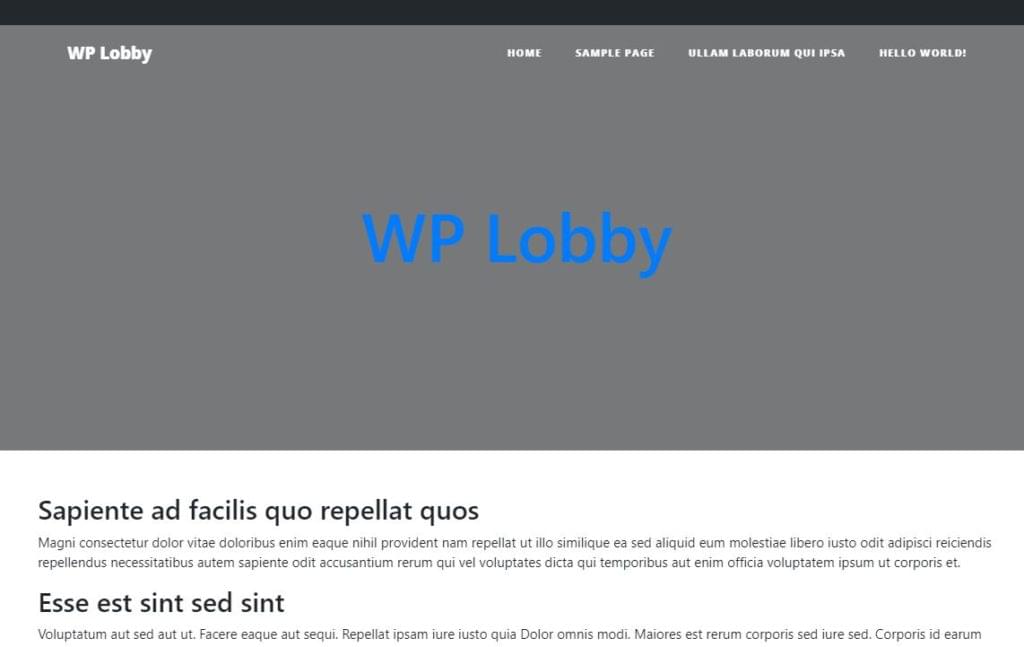
WordPress shows A blog page — an archive page for all the blog posts — by default.
If we now visit single post URL — something like http://my-website.com/2018/11/14/sapiente-ad-facilis-quo-repellat-quos/ — we’ll see something like this:
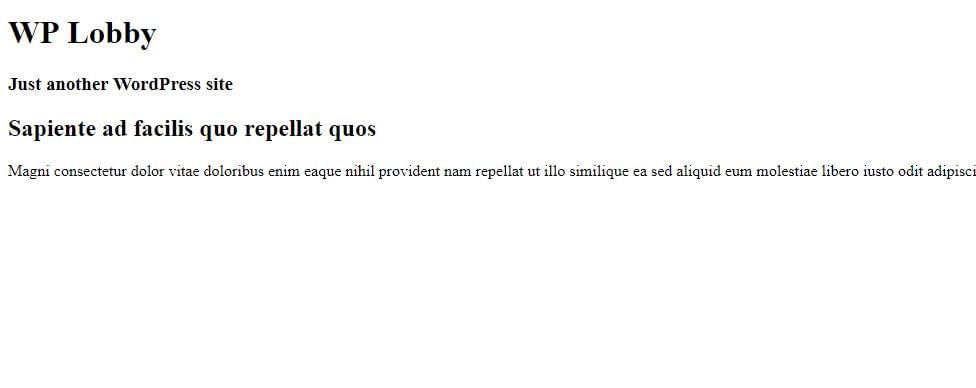
Our loop, albeit very crude, actually works.
The post How to Build a WordPress Theme from Scratch: the Basics appeared first on SitePoint.

Slick One Pager for Polaroider – a neat web app to create polaroid-style images to print. This is such a great follow-up by Fernando Pessagno to his impressive Résumé Maker I reviewed in August.

