In this post, we’ve scoured the web for Bootstrap tools and playgrounds and shared with you only the very best out there.
Web designers and developers operate in a great industry. Our expertise and access to affordable development resources gives us the ability to do something unique — something which is found in few (if any) industries: the ability to release tools for other web designers and developers.
Tools for people like us are plentiful. Many of them are free, some are paid. All of them are awesome.
There are tools and playgrounds for almost everything — including Bootstrap. Let’s review the best of them.
1. Pingendo
Price: Free for non-commercial use or $99 one-time payment
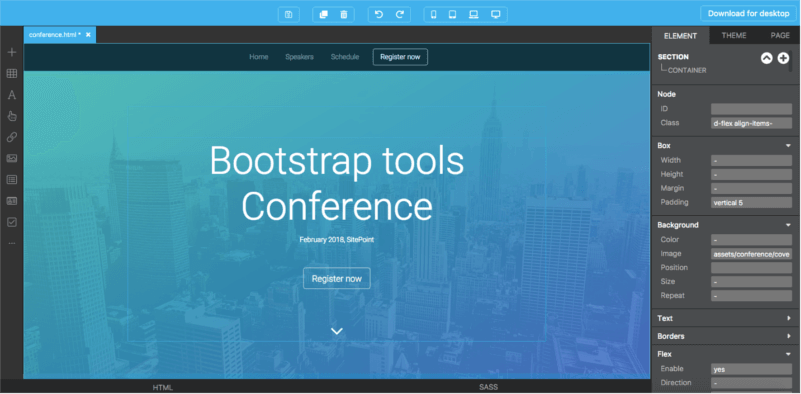
Pingendo is a Bootstrap 4 builder which is available in two flavors, an online playground and a desktop version available for Windows, macOS and Linux.
Pingendo comes with quite a nice selection of templates to get you really bootstrapped with your web design. Amongst the available templates, you’ll find an App intro site, a Conference site template and a Restaurant template, which comes in various themes.
There’s also a number of wireframes ready for use, including a photo album, a cover page, a checkout form page, a landing page, a product page and a pricing table.
2. Brix
Price: from $14.90/month
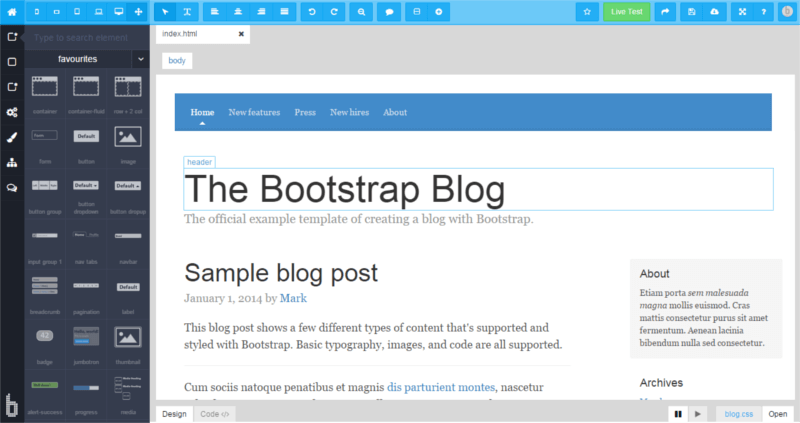
Brix is a Bootstrap builder for designing, creating and editing responsive websites and UIs. The service is completely cloud-based, built as a rapid prototyping tool for the Bootstrap framework.
The tool derives from experience gathered since the beginning of Bootstrap.
More than 20 templates are also available to use as a starting point for your web pages.
3. Jetstrap
Price: from $16/month for 3 projects
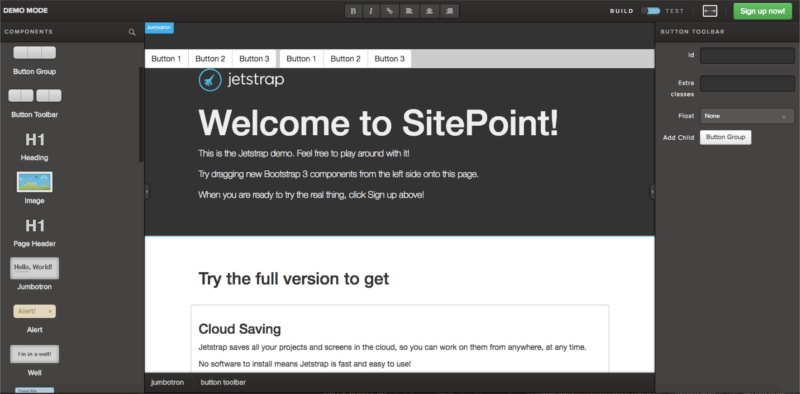
Jetstrap is a Bootstrap Interface builder which is a cross between a mockup tool and an interface-building tool, bringing a bit of both to the table. Actually, the great thing is that rather than mocking up your screens, you’re actually building them on the fly.
The tool is fully web-based and includes drag-and-drop components and snippets of good clean markup ready for creating complicated components easily.
4. Pinegrow
Price: from $49
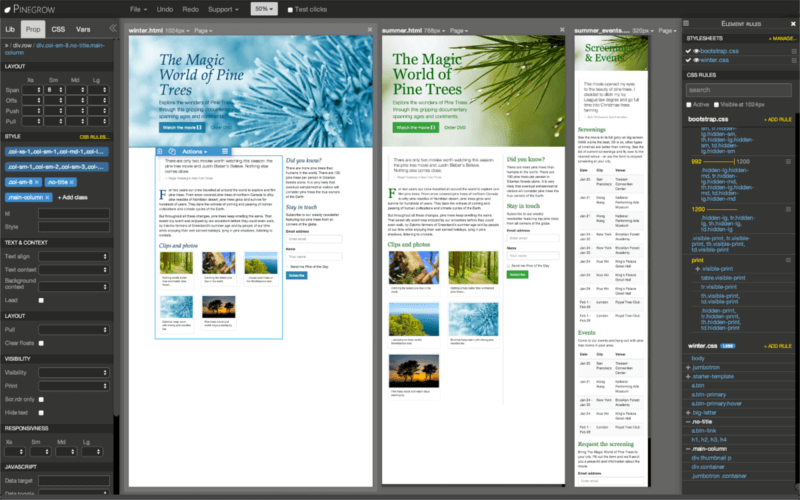
Pinegrow is a desktop web editor that allows you to build responsive sites using live, multi-page editing, CSS and Sass styling, and components for Bootstrap, Foundation and WordPress.
Available for macOS, Windows and Linux, you can develop using Bootstrap 3, 4, or other frameworks as you prefer.
5. Bootstrap Studio
Price: from $25
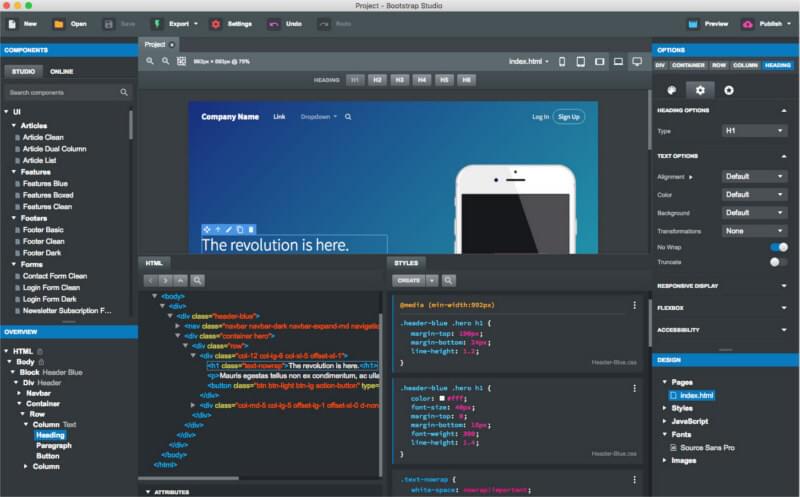
Bootstrap Studio is a desktop app, but it does offer an online demo of its capabilities.
It’s built around drag-and-drop functionality and comes with quite a good set of built-in components, including headers, footers, galleries, and slideshows.
6. Bootply
Price: Free with ads, $9/month
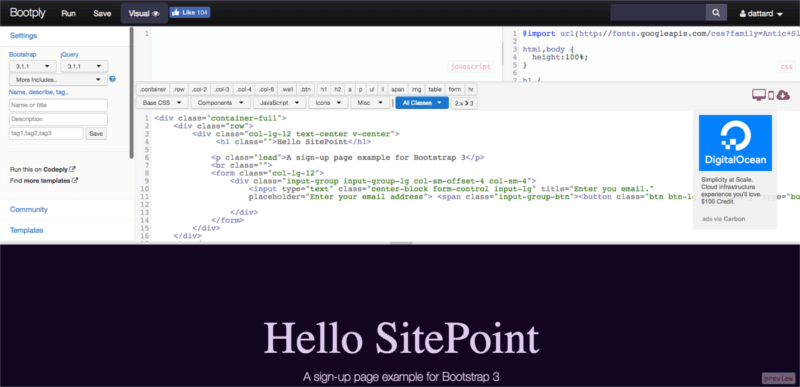
Bootply touts itself as a Bootstrap playground, editor and builder.
Of all the tools we’ve seen so far, this seems like the one which is most suited for those who like having the power of drag and drop but with the full ability of coding at hand. It allows you to switch between the Code Editor and the Preview so you can quickly check your build.
Bootply also comes with a number of pre-build starter templates to get you up and running quickly. Besides your run-of-the-mill landing page, single page app or article, you’ve also got more complex templates such as the Control Panel and the Dashboard templates and a modern layout for a tech news site.
7. BootMetro
Price: Free
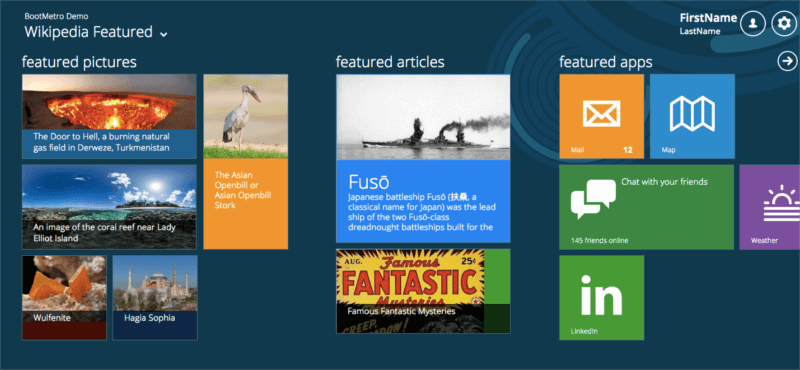
This is a simple UI framework which allows you to create a Metro-like interface using Bootstrap.
Continue reading %15 Bootstrap Tools and Playgrounds%
by David Attard via SitePoint

No comments:
Post a Comment